Costs and getting access
How to request access
Creating and Accessing User Accounts
VU Amsterdam Qualtrics Central Brand (hereafter VU’s Central Brand) at vuamsterdam.eu.qualtrics.com allows for user’s auto-enrolment, an automated account creation and registration process. Any user with an enabled VU email address may auto-enroll on VU’s Central Brand. The email address will function as the account’s username.
VU’s Central Brand makes use of Single-Sign On (SSO). This means that users can log in to Qualtrics using VU’s internal login system. Multi-Factor Authentication (MFA) is mandatory to all Qualtrics users utilising the vuamsterdam brand (i.e. employees and researchers – students will be informed of upcoming project for MFA implementation). MFA acts as an additional layer of security to prevent unauthorised users from accessing accounts and resources, even when the password has been stolen. Qualtrics will use multi-factor authentication to validate user identity and provide quick and convenient access to authorised users.
To create a user account and access the Qualtrics environment at the Central Brand, please proceed as follows:
On the login page, choose: Vrije Universiteit SSO
Log in with your VU account credentials (email address and password)

VU’s central brand login page Choose “No, I don’t have a preexisting account here” when it is your first time enrolling the central brand
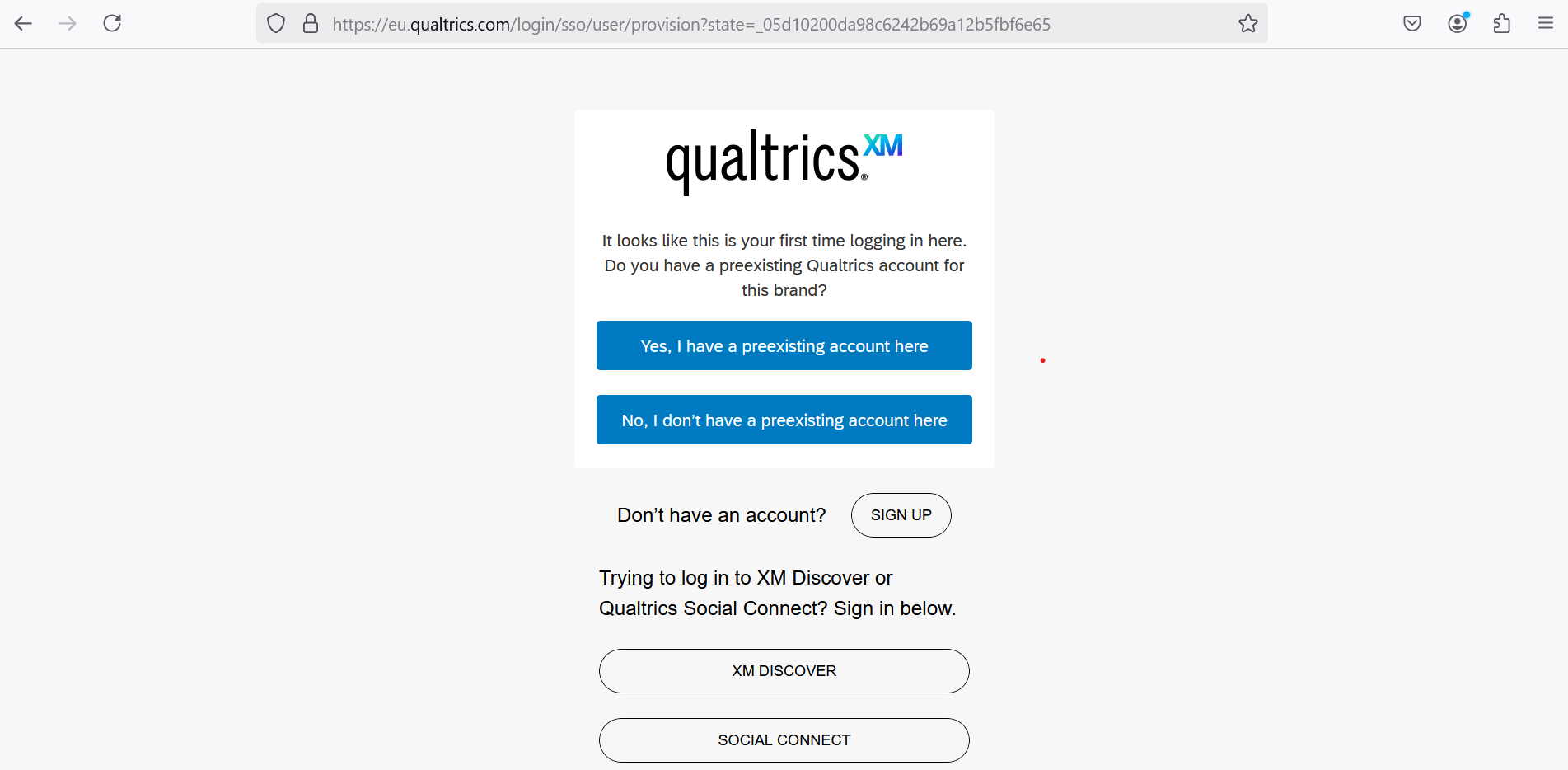
Qualtrics preexisting account Click
Sign In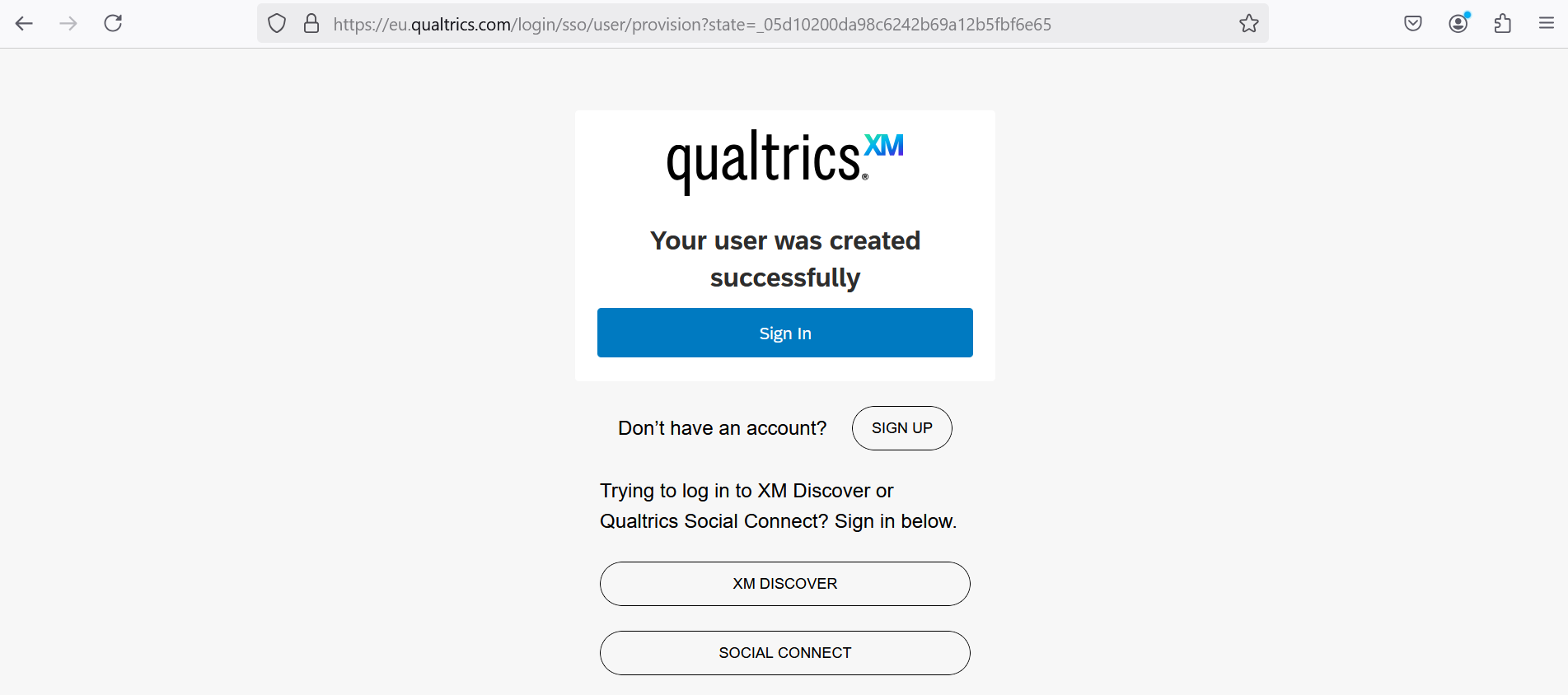
Qualtrics account created successfully Terms of Service or General Terms and Conditions for Qualtrics Services are presented for review and acceptance.
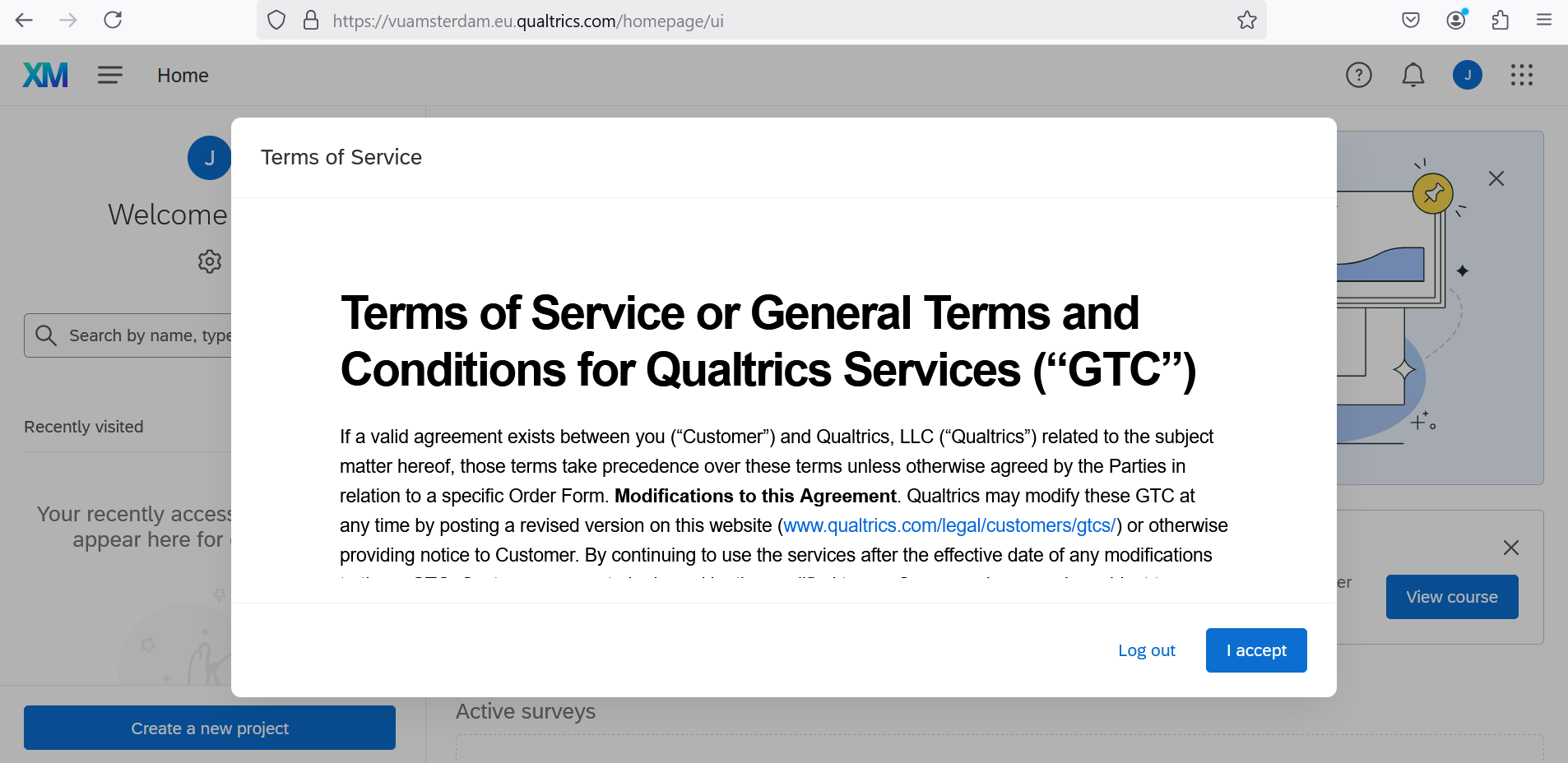
Qualtrics terms conditions
It is recommended to save VU’s Central Brand as a Favourite or Bookmark link for future reference.
Note to Existing Users
Security Settings: Login Error Disabled Account
Security settings are in place that disable a user account after a certain amount of inactivity. This threshold is currently 12 months. This setting follows security requirements regarding User Account Management.

A disabled account status does not affect its data.
Users who receive an error when trying to log back in after extended periods of inactivity (User account is disabled) should contact the RDM Support Desk to have their accounts re-enabled.
Are there costs involved?
There are no costs involved. All students and researchers with a VU email address can use Qualtrics for scientific purposes.